
How to Use BEYOND
[Download – How to Use BEYOND]
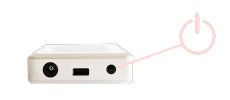
Please Switch-ON the device by pressing the ON/OFF button at the right-bottom of the device. The startup screen will appear within a few seconds after the switch ON and the device is ready for use.
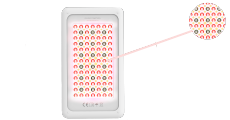
Please place the device on the body where the face with LED Light Panel is in full contact with the skin. Place the device where the application will be made. For instance, your leg, your head, or any part of your body where the application is needed.
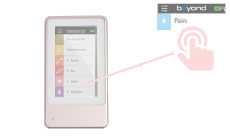
Please select the desired application program from the program list and press the PLAY button (Start) to initiate the initial testing.
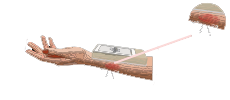
After the 10-second initial testing and measurement, the device will automatically start the application.
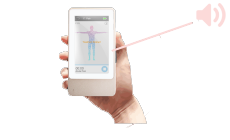
10 consecutive beep sound will indicate that the application is completed.